Event reward points must be manually awarded by an Admin or Local Admin.
After the event, go to the Events page in Manage view to manually ‘check in’ attendees. Checking in event attendees confirms attendance and awards any reward points associated with the event.
- To check-in event attendees, follow the steps below.
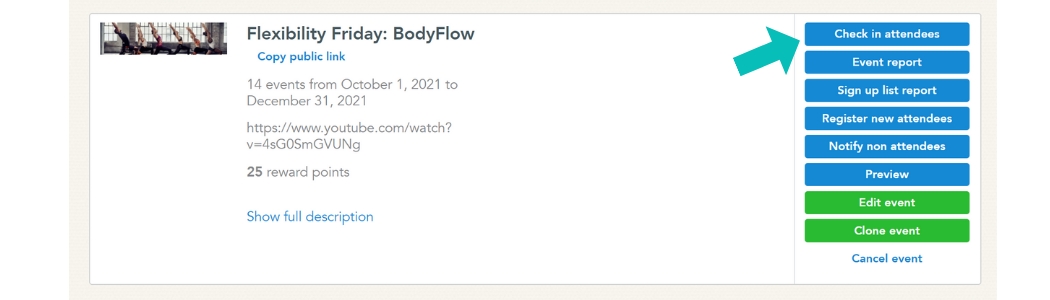
- From the Events page in Manage view, find your event on the list of past events.
- Click the blue button that says ‘Check-in attendees’
- Check in any users who participated in the event.
- Click the blue ‘Submit’ button.